



Spinmaya Login
Spinmaya login is the main access point for registered players. On this page, Dutch players can sign in, restore access when needed, and find the relevant options for managing their profile.



Spin Maya Registration
Registration creates a personal account linked to your email address and personal details. It allows us to recognise you as a registered player, save your preferences, apply eligible promotions, and provide access to our player services.
Each player may register only one profile. The information entered during sign-up must be accurate because we use it during identity verification and when reviewing payment requests. Players from the Netherlands should enter their legal first and last name exactly as they appear on an official identity document.
Use an email address that you check regularly. You will need it to reset your password and receive important updates about your profile.
How to Set Up Your Spinmaya Account
Spinmaya registration takes place in two stages. The first form creates your login details, while the second adds the personal information required for your player profile.
- Click “Sign Up” to open the registration form.
- Enter your email address and create a password. These will become your regular login details.
- Read the Terms and Conditions, select the confirmation box, and click “Sign Up” to move to the next stage.
- In the second form, enter your first name, last name, date of birth, and phone number.
- Review the completed fields and click “Save”.
After you save the form, your registration details become linked to one Spinmaya profile. The email and password remain your sign-in credentials, while the information entered in the second stage identifies the account as yours.
Check the form before submitting it, particularly the spelling of your name and your date of birth. Unlike a password, personal details may not be available for immediate editing after registration. If you notice an error later, contact our support team instead of opening another profile.
Spinmaya Login and Account Management
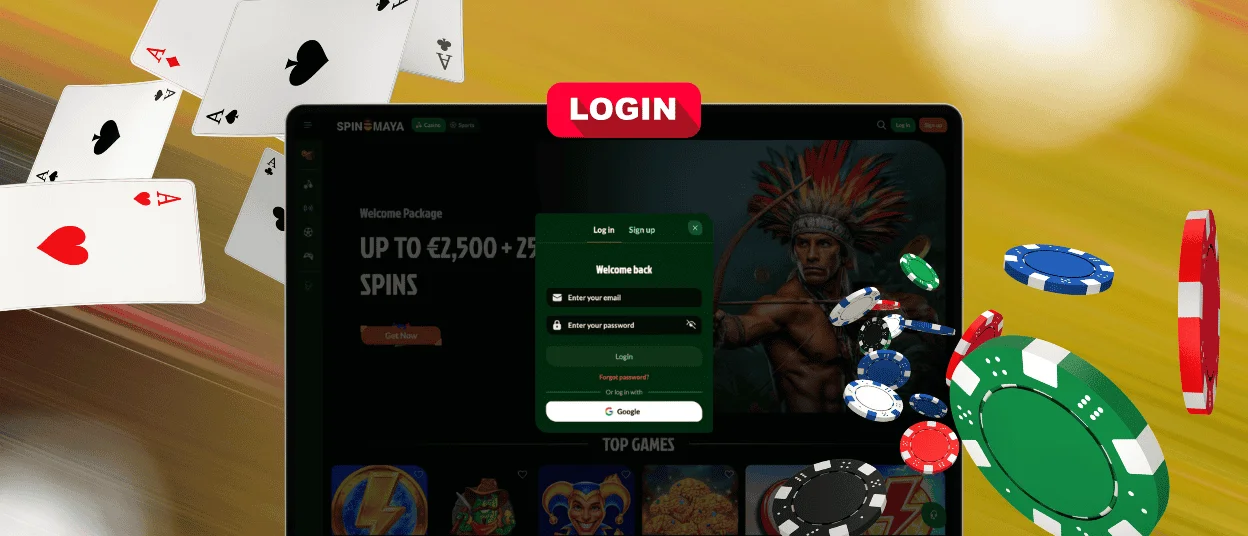
To complete the Spin Maya login, open the official website and select “Log in”. Enter the email address and password used during registration, then submit the form.
After signing in, you can manage the main parts of your player profile. Depending on the section you open, you can:
- check your available balance;
- view deposits, withdrawals, and gaming history;
- update supported contact details;
- review active bonuses and their conditions;
- open the verification section;
- use available responsible gaming settings;
- contact customer support.
Some personal details may not be editable directly. For example, changes to your legal name or date of birth may require assistance from our support team and supporting documents. This helps us keep player information consistent.
For safer access, do not share your password or save it on a public device. When you use a shared computer, log out after the session. A player remains responsible for keeping login details confidential and for contacting us promptly after noticing unusual activity.
Common Spinmaya Login Problems
Most access issues come from incorrect credentials, an outdated password, or a temporary browser problem. The following table shows the most common situations and the appropriate next step.
| Login issue | Likely reason | What you should do |
| Email or password is rejected | A typing error, incorrect letter case, or an old password | Enter the details again and check that Caps Lock is disabled |
| The login page reloads | A temporary connection or browser issue | Refresh the page, reopen the official website, and try again |
| The password reset email is missing | The message is in the spam folder or a different email was entered | Check spam and confirm that you used the registered email address |
| Access is restricted | The profile may be under review, suspended, closed, or self-excluded | Contact our support team for a status check |
| Personal details do not match | Incorrect information was entered during registration | Ask support which details can be corrected and what documents are required |
Do not create a second profile when you cannot sign in. Duplicate registration may complicate the review and can lead to additional restrictions. Our support team can check the status and explain the available options.
Forgot Your Password?
Click “Forgot Password?” below the login fields and enter the email you used when registering. Spin Maya will send a reset link to that address. Open the link and set a new password.
If the message is not in your inbox, check the Spam and Junk folders. Also check the email address for typing errors before submitting another request.
No longer have access to your registered email? Contact our support team and be ready to confirm the personal details provided during registration.
Verification at Spinmaya Casino
Verification is required before real-money play becomes available. We check your identity and age against the information provided during registration. A payment check may also be needed when the selected method is registered in your name.
Documents commonly accepted for verification include:
- a passport or national identity card;
- a recent bank statement or utility bill showing your address;
- proof that the payment method belongs to you;
- a selfie with your ID when our team needs an additional check.
Players from the Netherlands can use a Dutch passport or identity card. Before uploading, check that the entire document is in the frame and that every detail can be read clearly.
Frequently Asked Questions
Can I reopen a closed account?
Reopening depends on the reason for closure. A standard closure may be reversible, while self-exclusion remains active for the period selected. To request access again, contact Spinmaya support.
How do I close or temporarily suspend my account?
Open the responsible gaming section in your profile and choose the option that suits your situation. You can take a temporary break, set a self-exclusion period, or close the account permanently.
During self-exclusion, login access and promotional messages are restricted. The same restriction also applies to attempts to register again with different contact details.
Can I share my profile at Spin Maya Casino with a friend?
No. A Spinmaya profile may only be used by the person who registered it. Friends must create their own account using their own details.


