



Spinmaya App
You do not need to visit an app store to use Spinmaya on your phone or computer. The Spinmaya app is a Progressive Web App that you can save to your home screen or desktop and open like a regular app. Because it runs through the browser, there is no separate installation file to download or update manually.



Benefits and Features of the Spinmaya App
The mobile version of our platform keeps the main casino functions easy to reach while adapting naturally to smaller screens. You use the same Spin Maya account across supported devices, so there is no need to create a separate mobile profile or manage another balance. Moving from a phone to a tablet or computer remains straightforward.
From the PWA, you can:
- Browse the casino on a smaller screen. The lobby adapts to the display, so you can move between games and account sections without navigating a desktop layout.
- Manage your account from your phone. Open the Wallet, review recent transactions, or upload a document when verification is required.
- View bonuses and tournaments. Check current offers and take part in those available to your account. The conditions appear on the relevant promotion page.
- Receive push notifications. After you allow them in the browser, Spinmaya Casino can send messages to your device without requiring you to open the casino first.
- Use the latest version automatically. Changes to the PWA appear through the browser, so you do not need to download a replacement installation file.
These features are tied to the PWA format itself. Unlike a conventional app, Spin Maya runs through the browser and does not require a separate installation package. The comparison below shows what this changes in everyday use.
| Area | Spinmaya PWA | Traditional Downloadable App |
| Installation file | Not required | Usually requires an installation package |
| Access | Home-screen or desktop shortcut | Installed application icon |
| Updates | Applied through the web app | May require a manual or app-store update |
| Device permissions | Managed through the browser | May request wider access to the device |
| Storage use | Usually requires limited local storage | Varies according to the application size |
Available installation options may differ across devices and software versions.
Spinmaya for iPhone and iPad
Spinmaya can be added to an iPhone or iPad directly through Safari. You do not need to search for a separate application in an app store.
To create the shortcut:
- Open the official Spinmaya website in Safari.
- Tap the Share button.
- Scroll down and select “Add to Home Screen”.
- Confirm the action by tapping “Add”.
The new icon will appear on your home screen and provide direct access to our casino. It works with your regular Spinmaya account, so your profile and balance stay the same when you move between supported devices.
Safari controls the shortcut process. If the required option is not immediately visible, scroll through the full Share menu and make sure you opened Spin Maya directly in Safari. A browser built into another application may not display the same installation controls.
You will still need an active internet connection. Games, account changes, payments, and other live functions rely on a connection to our platform.
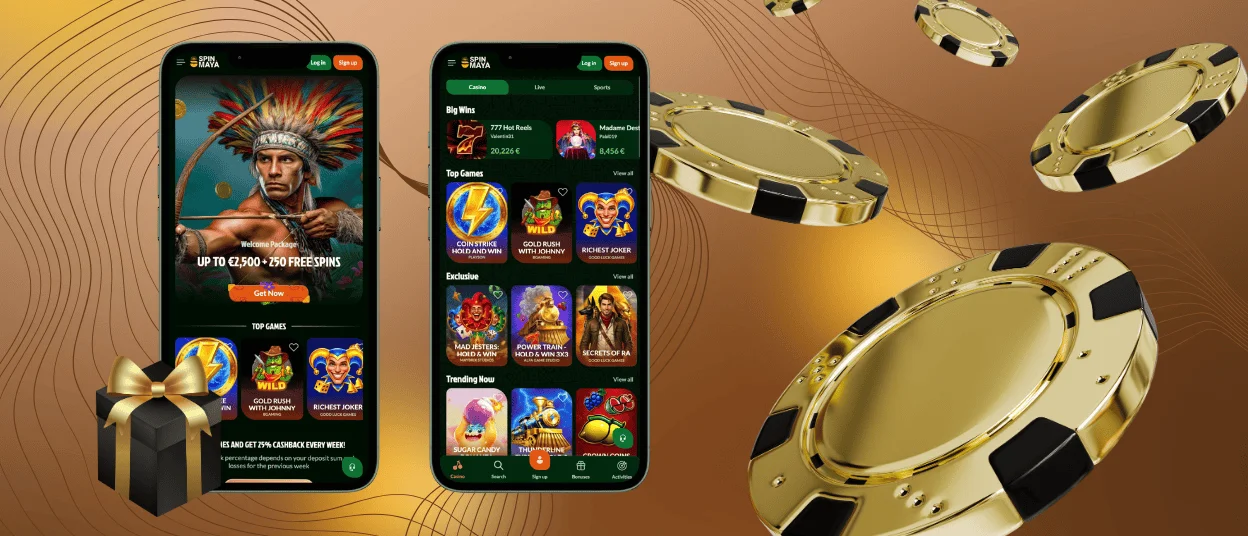
Get One-Tap Casino Access on Android
Android users can create a Spinmaya shortcut through Chrome. Open our website, tap the three-dot browser menu, and choose “Add to home screen”. Some versions of Chrome may show “Install app” instead.
The shortcut uses your existing Spin Maya account, so there is no separate mobile profile or balance. Depending on the device and browser version, Spinmaya may open in its own window or as a regular browser page. Both options connect you to the same platform.
Spinmaya APK
A separate Spinmaya APK is not required. Our PWA provides direct home-screen access without an external installation package. It also loads the current platform version through the browser, so you do not need to download another file after an update.
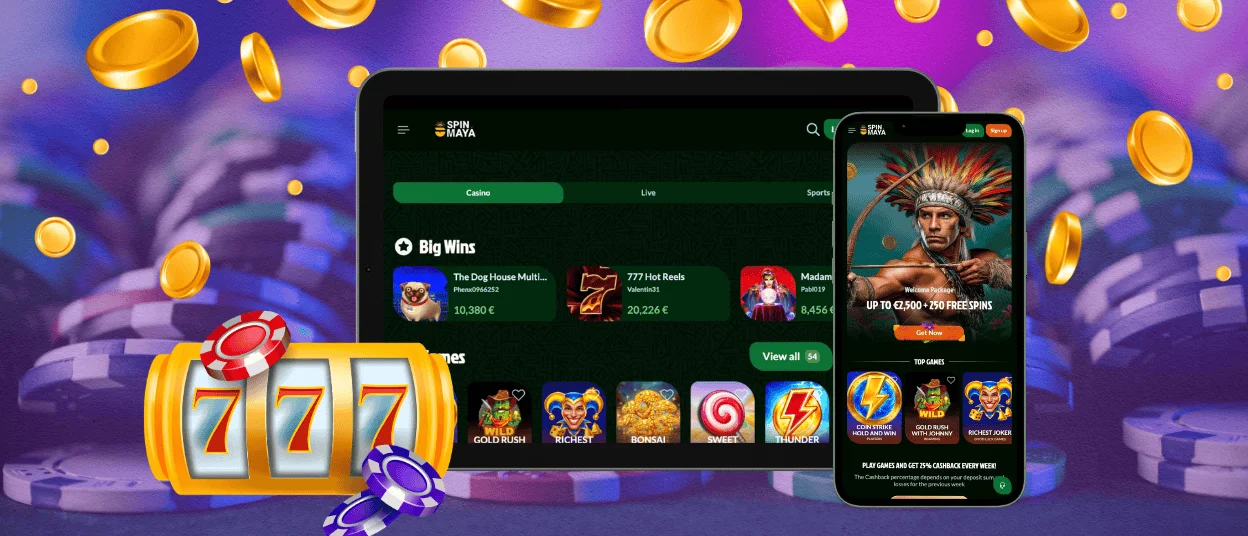
Play from Your Mac or Windows Desktop
You can also create faster access to Spin Maya Casino from a Mac or Windows computer. Open the official website in a compatible browser and look for the installation icon near the address bar. When that symbol is unavailable, check the browser menu for an installation or shortcut option.
Once added, the shortcut can help you:
- launch Spinmaya without searching through browser history;
- open the casino from the desktop or application menu;
- use the platform in a separate window when the browser supports this mode.
The exact shortcut location depends on the system and browser configuration. You may also have the option to pin Spin Maya to the taskbar or dock, which keeps the casino within easy reach during future sessions.
Desktop access uses the same account as the mobile PWA. Your profile and funds remain connected to our platform rather than to the shortcut itself. Deleting the desktop icon will therefore not close your account or affect its balance.
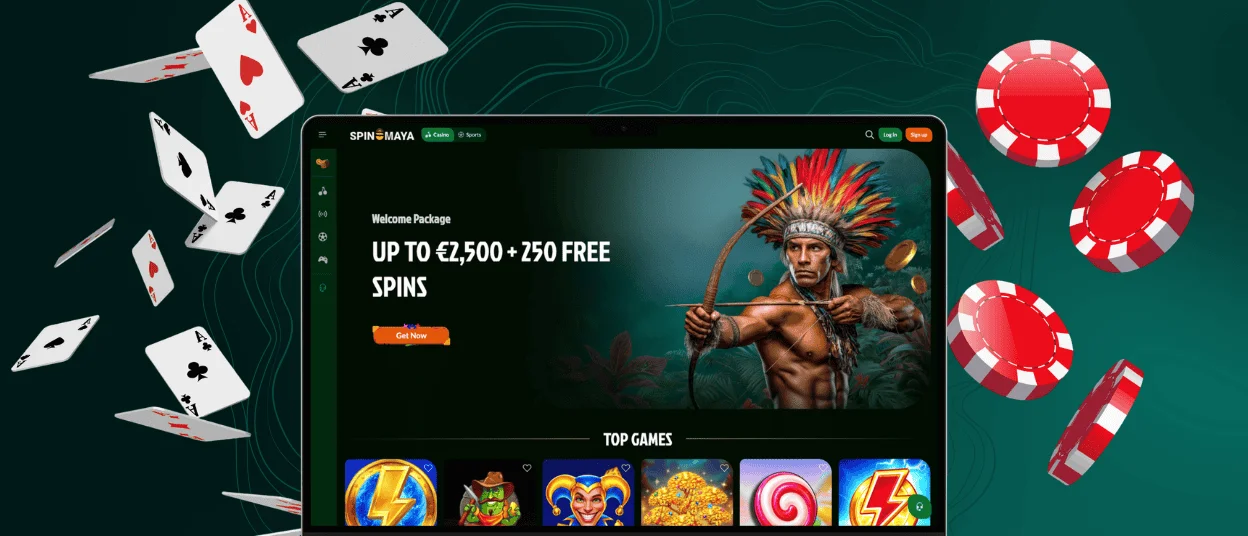
Security Advantages of the Spin Maya PWA
The Spinmaya PWA runs inside the browser rather than as a separately downloaded program. This reduces several risks associated with installing and maintaining conventional app files. In practice, the format offers the following security advantages:
- Browser-managed permissions. Spinmaya can use features such as notifications or the camera only after you allow access. You can review or remove that permission in your browser settings.
- No separate installer. The casino opens through the browser, so there is no APK or desktop installation file that could be replaced with an unsafe copy.
- HTTPS connection. Data sent between your browser and Spinmaya is encrypted in transit.
- Automatic security updates. Changes take effect through the web app, which means you do not need to install a newer package manually. Opening the shortcut loads the current version available through the browser.
The browser can protect the connection, but it cannot protect an account left open on a shared device. Keep your login details private and sign out when you finish playing. We also recommend opening Spinmaya only through the official website or a shortcut created from it.
Frequently Asked Questions
Can I use Spinmaya without adding it to my home screen?
Yes. Installing the shortcut is optional. You can open Spin Maya in a supported browser and log in as usual. Adding the PWA to your home screen or desktop simply gives you a quicker way to return.
Why can’t I see “Add to Home Screen” or “Install app”?
The available option depends on the browser and operating system. On an iPhone or iPad, open Spinmaya directly in Safari and check the Share menu. On Android or desktop, look in the main browser menu or near the address bar. The wording may change between browser versions.
What happens if I delete the Spin Maya shortcut?
Deleting it does not affect your Spinmaya account. You will simply need to open the casino in your browser until you add the shortcut again.


